
3 min read · July 13, 2027
Reverse Sales Tax: Finding the Pre-Tax Price From a Total
To find the pre-tax price from a total, divide the total by (1 + tax rate as a decimal). A $108 total with 8% sales tax divided by 1.08 gives a $100 pre-tax price — and subtracting that from the total shows exactly $8 was tax.
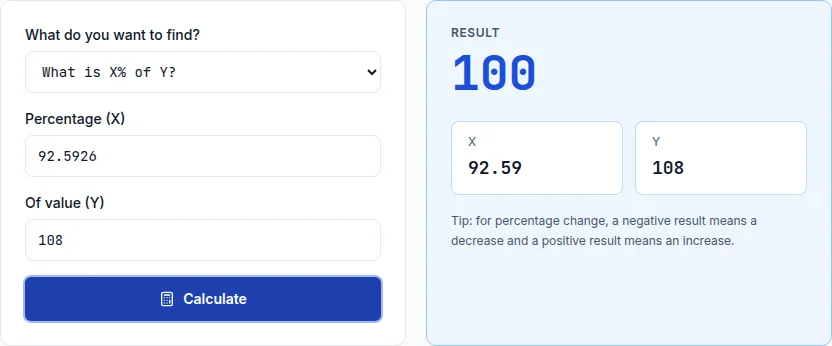
The formula, step by step
Step 1: convert the tax rate to a decimal and add 1 — 8% becomes 0.08, plus 1 is 1.08. Step 2: divide the total you paid by that number. $108 ÷ 1.08 = $100. Step 3: subtract to find the tax amount itself — $108 − $100 = $8.
This is the same math as a reverse percentage calculation, just applied specifically to sales tax: the total represents 108% of the original price (100% price + 8% tax), so dividing by 1.08 undoes the tax the same way dividing by 1.10 undoes a 10% increase.
Why you'd need to work backward
This comes up constantly for freelancers and small businesses reconstructing a pre-tax sale amount from a tax-inclusive receipt for bookkeeping, for anyone splitting a tax-inclusive total fairly among people who ordered different amounts, and for comparing prices across regions with different tax rates where only the final price is advertised.
It's also the exact calculation behind removing VAT from a European price — VAT-inclusive pricing is the norm there, so backing out the pre-tax amount from a listed price uses this identical formula with whatever the local VAT rate happens to be.
A quick sanity check
Once you have a candidate pre-tax price, verify it the easy way: multiply it by (1 + tax rate) and confirm it lands back on the original total. $100 × 1.08 = $108 confirms the reverse calculation was done correctly — the same check-your-work habit worth applying to any reverse-percentage problem.
Put it into practice
The fastest way to learn the math is to play with the numbers.
Open the Percentage Calculator